
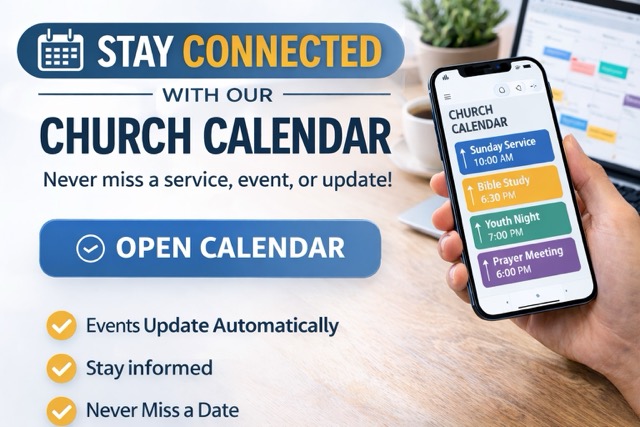
Stay Connected with Our Church Calendar
Keep up with upcoming services, events, meetings, and special activities by using our church Google Calendar. You can view it online anytime, add it to your phone, or subscribe on your computer so events show up automatically in your own calendar.
View the Calendar Online
Click here to open the Church Calendar
How to Use It on Your Phone
iPhone / iPad
-
Tap the church calendar link above.
-
Sign in to your Google account if needed.
-
Add or subscribe to the calendar.
-
Open your Google Calendar app to view church events.
Android
-
Tap the church calendar link above.
-
Sign in to your Google account if needed.
-
Add or subscribe to the calendar.
-
Open the Google Calendar app to view church events.
How to Add It on Your Computer
Google Calendar on a Computer
-
Click the church calendar link above.
-
Sign in to your Google account.
-
Add the calendar so it appears with your other calendars.
Apple Calendar on a Mac
-
Open the Calendar app.
-
Go to File > New Calendar Subscription.
-
Paste in the church calendar subscription link if needed.
-
Subscribe to begin seeing events.
Why Subscribe?
-
Events update automatically
-
Stay informed about church activities
-
Never miss important dates
If you need help getting the calendar set up, please contact the church office or media team.